
Meet the President
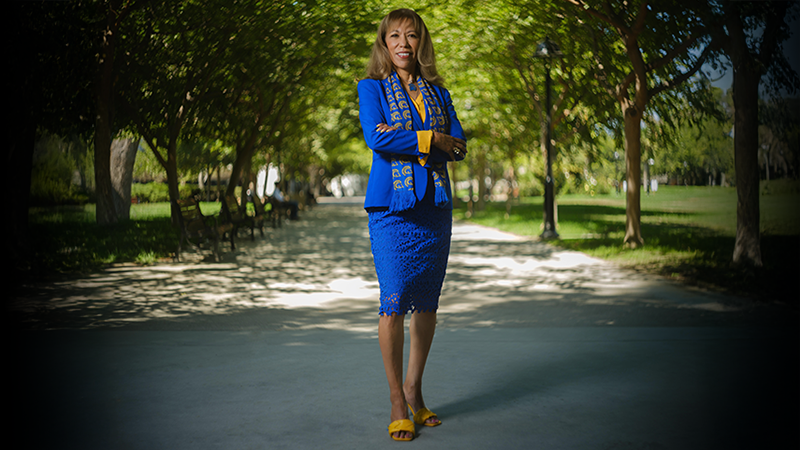
Dr. Cynthia Teniente-Matson became President of San José State University in January 2023, taking the helm of California’s first public university and the founding campus of the California State University system. As the first Latina president in SJSU’s history, she is leading the university with a bold vision centered on student success, inclusive excellence, and community impact. SJSU has reached new heights—earning national recognition through prestigious awards, forging game-changing partnerships, achieving outstanding national rankings, and securing an R2 research designation. She has championed initiatives that elevate academic excellence, expand opportunity, and strengthen the university’s impact.
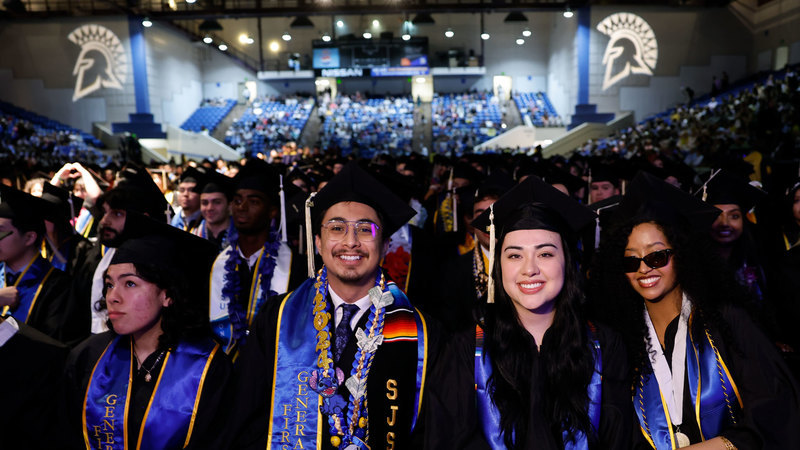
The Spartan Edge...
"At San José State University, our students earn more than a degree — they gain an edge. As a hub of innovation and partnerships, we enhance the student experience through hands-on learning, student-centered support, and a culturally rich community that fosters success for all. Students leave here ready to succeed and shape the future."
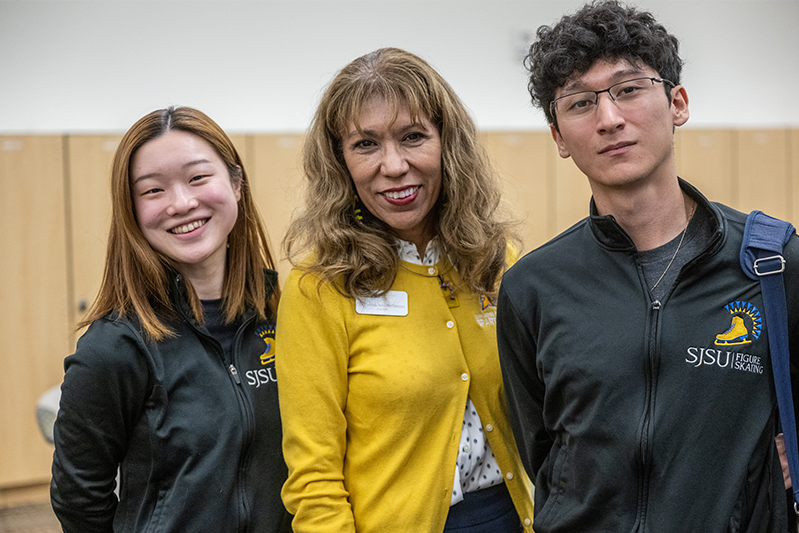
Epicenter of the Future...
"San José State is at the epicenter of the future. What sets San José State apart for me is its remarkable history, enduring excellence and catalytic geography. I’m energized by the leadership possibilities within such a dynamic urban center—an innovation corridor at the heart of Silicon Valley."
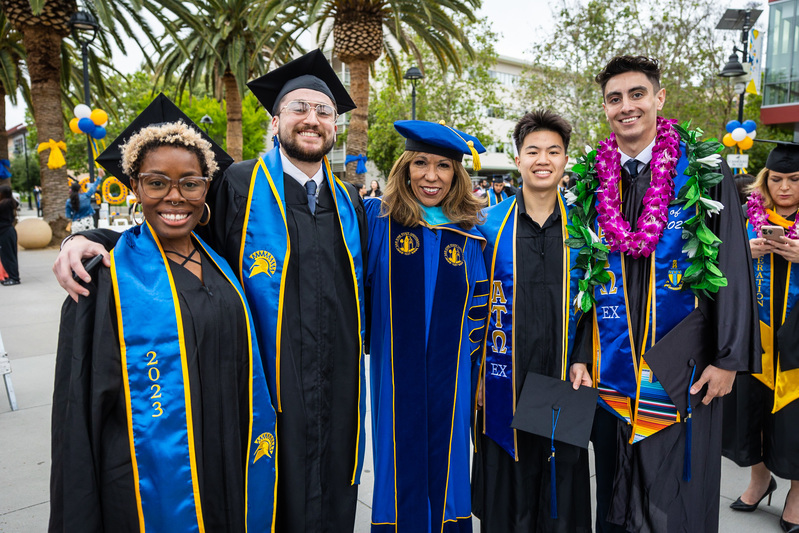
Priorities and Initatives
San Jose State's collective momentum is defined by our priorities, which reflect optimism, action and a shared commitment to shaping the future of our university. We are a embracing the potential of AI Everywhere to elevate learning, enhance operational efficiency, and strengthen academic excellence. We are committed to holistic student engagement and people-centered practices that elevate the work of our faculty and staff. These priorities work in tandem to ensure long-term fiscal stability and responsible stewardship of our resources. While we highlight just a few themes here, new sections will continue to be added and updated regularly.
Presidential directives and memos address campus/university policies, issues and various topics.
The SJSU Academic Senate is the principal agency for the formulation of University policy. The Senate and its committees communicate recommendations to the President on such matters that are relevant to the welfare of SJSU.
Strategic Plan - Transformation 2030
Explore Transformation 2030 to learn how we're shaping the future through our strategic vision and commitment to excellence.
