College of Science Advising Model
The College of Science Student Success Center oversees ALL Science change of major, general education (GE), and major advising. Minor advising is provided by College of Science departments.
Required College of Science Advising
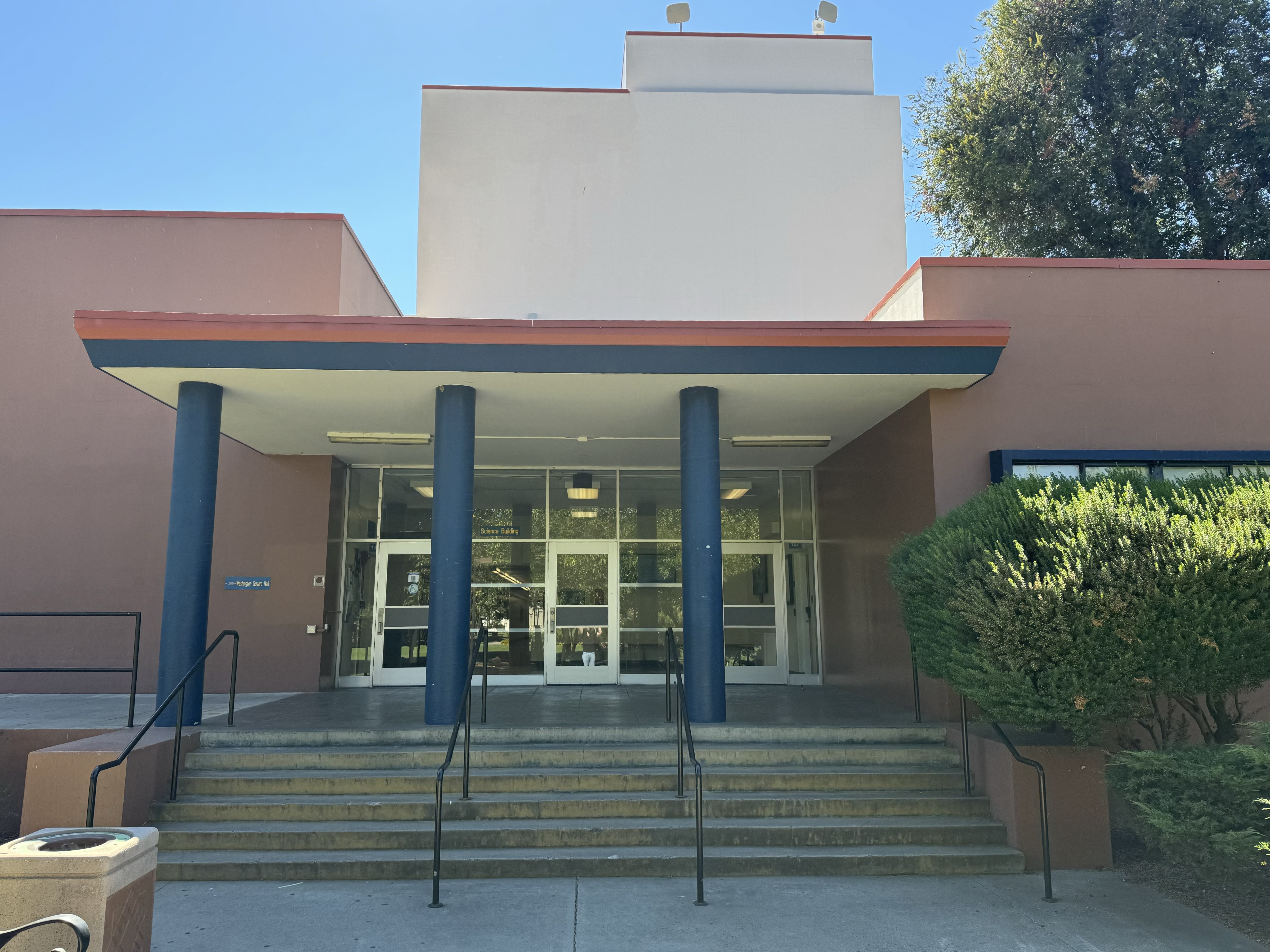
Upper Division in-person advising
Starting January 2026, Science Building (SCI) 127 is your new location for upper division advising.
Enrolling in MATH?
The prerequisite course AND the appropriate final grade are required to register for Mathematics courses on MySJSU.
Change of Major Advising
Students must apply to be considered for a change of major within or to the College of Science.
