Training and User Documentation
A proposed support structure for safe, consistent and productive use of the lab.
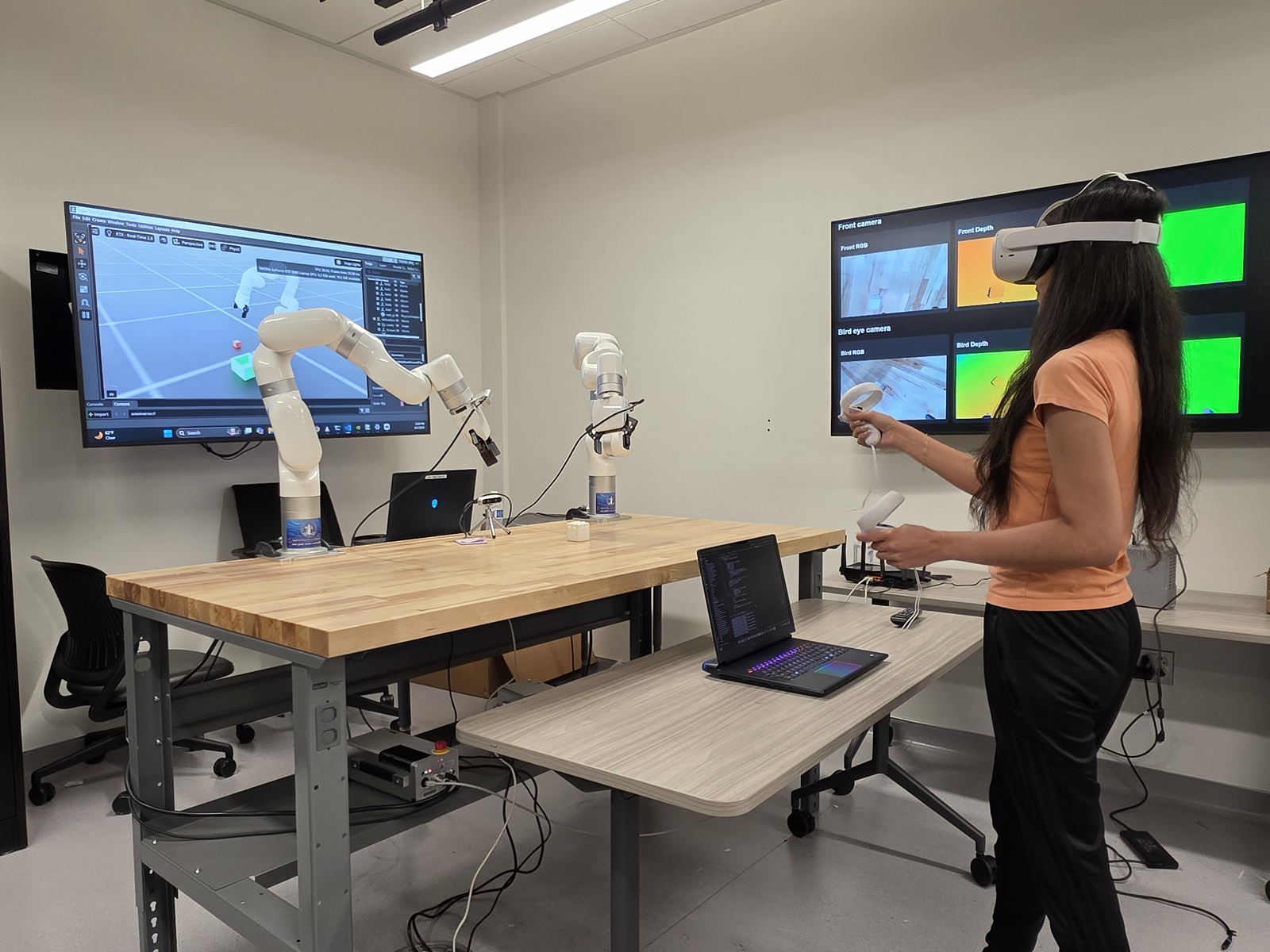
Training should cover both software workflows and safe interaction with immersive and physical systems.
Welcome to the Digital Twin Lab
Getting Started
- Complete the required lab orientation and review the code of conduct.
- Confirm eligibility, account access and any course or project approval requirements.
- Review the workstation, server, robotics, VR and data-handling procedures relevant to the planned activity.
- Use the approved file locations, naming conventions and project backup process.
Software Guides
- Omniverse and USD Composer: launching the environment, opening approved project files, working with USD assets, and saving changes.
- Isaac Sim: starting a simulation, adding robots and sensors, running examples, and exporting results.
- Isaac Lab: setting up training or evaluation workflows, monitoring runs and documenting configurations.
- Synthetic data: generating RGB, depth, segmentation and other labeled outputs for research or instruction.
- Server and GPU use: submitting workloads, monitoring resource usage, saving outputs and ending sessions responsibly.
User Manuals
Robotics and Immersive-System Safety
- Keep the robotic work area clear and use emergency-stop procedures when required.
- Do not operate physical robots without the appropriate orientation and supervision.
- Inspect VR and controller cables, define a safe movement area and use a spotter when an activity requires one.
- Report equipment problems, unsafe conditions and damaged accessories immediately.
Troubleshooting and Support
The published page should include common startup problems, software reset procedures, known issues and a clear support pathway. Each guide should state the software version to which it applies and the date it was last reviewed.
Recommended Documentation Library
- Quick-start guides and short videos.
- Approved sample projects and starter templates.
- Data management, privacy and security guidance.
- Equipment checklists and safety procedures.
- Frequently asked questions and known issues.
- A change log for software versions and lab procedures.